Calendar
See every service, meeting and event by month, and move or cancel one date of a repeating event.
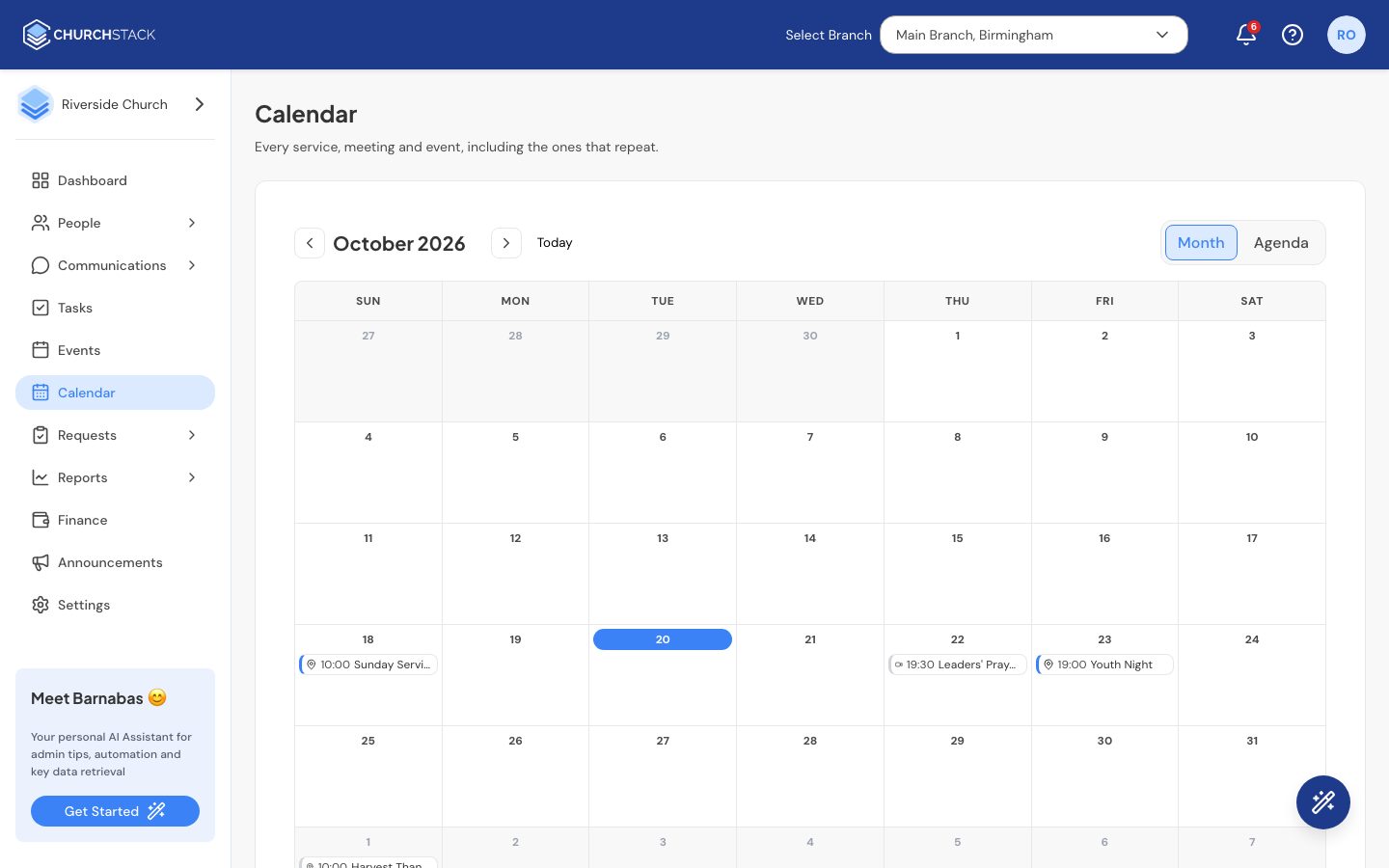
The Calendar shows everything from Events on a month grid, including every date of a repeating event. It is the quickest way to spot a clash or find a free Sunday.
Moving around
- Use the arrows to go to the previous or next month, and Today to come back.
- Switch between Month, the grid, and Agenda, a list of the days that have something on. Agenda is easier to read on a phone.
- A busy day shows + N more. Switch to Agenda to see everything on that day.
- With the keyboard, the arrow keys move between days and Page Up and Page Down change month.
Change one date of a repeating event
Sometimes one Sunday is different: the service moves to the hall, or is cancelled for a joint service. You can change that one date without touching the rest of the series.
- Select the event on the calendar.
- Select Edit. ChurchStack asks what you want to change:
- This occurrence: only that date. The rest of the series is untouched.
- All occurrences: every date in the series, past and future. This opens the full event editor.
- For one occurrence, pick a New date and, optionally, a new Start time and a Note for members (for example “moved to the church hall”).
- Select Move this occurrence.
Cancel one date
- Select the event, then Cancel this occurrence.
- Optionally add a Reason for members (for example “hall unavailable”).
- Confirm.
The date shows as Cancelled on the calendar and in the member app, and every other date carries on as normal. Changed your mind? Select the cancelled or moved date and choose Put back on the series.
Still stuck?
Contact support Tell us what you were trying to do and we will help.