Annual giving statements
Produce a PDF statement of giving for one person or everyone, for any date range.
Many givers need a record of what they gave in a year, for their own accounts or for tax relief such as Gift Aid. ChurchStack produces these as PDFs.
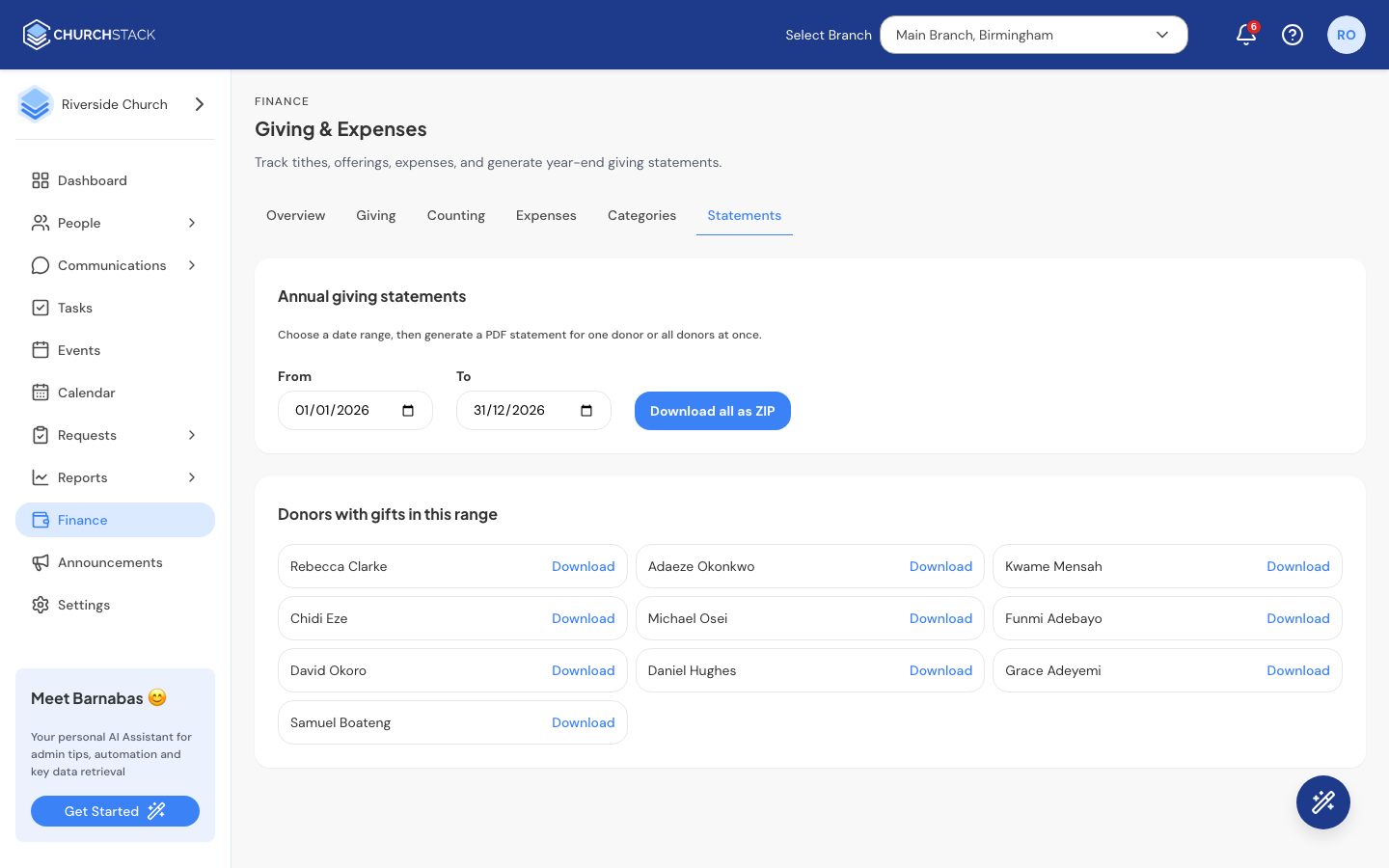
- Go to Finance > Statements.
- Choose the From and To dates, for example the whole of last tax year.
- The list shows everyone who gave in that range.
- Select Download beside a person for their statement, or Download all as ZIP for everyone at once.
Statements include confirmed gifts only. Gifts still To confirm, Not received or Refunded are left out. Anonymous gifts cannot appear on anyone’s statement, so encourage people to use their name or envelope number.
Still stuck?
Contact support Tell us what you were trying to do and we will help.