Expenses
Record money going out so your net position and reports are accurate.
Finance > Expenses is where you record what the church spends, so the overview shows a true net position.
- Select Add expense.
- Enter the Payee, choose a Category and enter the Amount.
- Set the Date and Method: Cash, Cheque, Bank transfer, Card or Other.
- Add a Reference (such as an invoice number) or Notes if useful.
- Select Add expense.
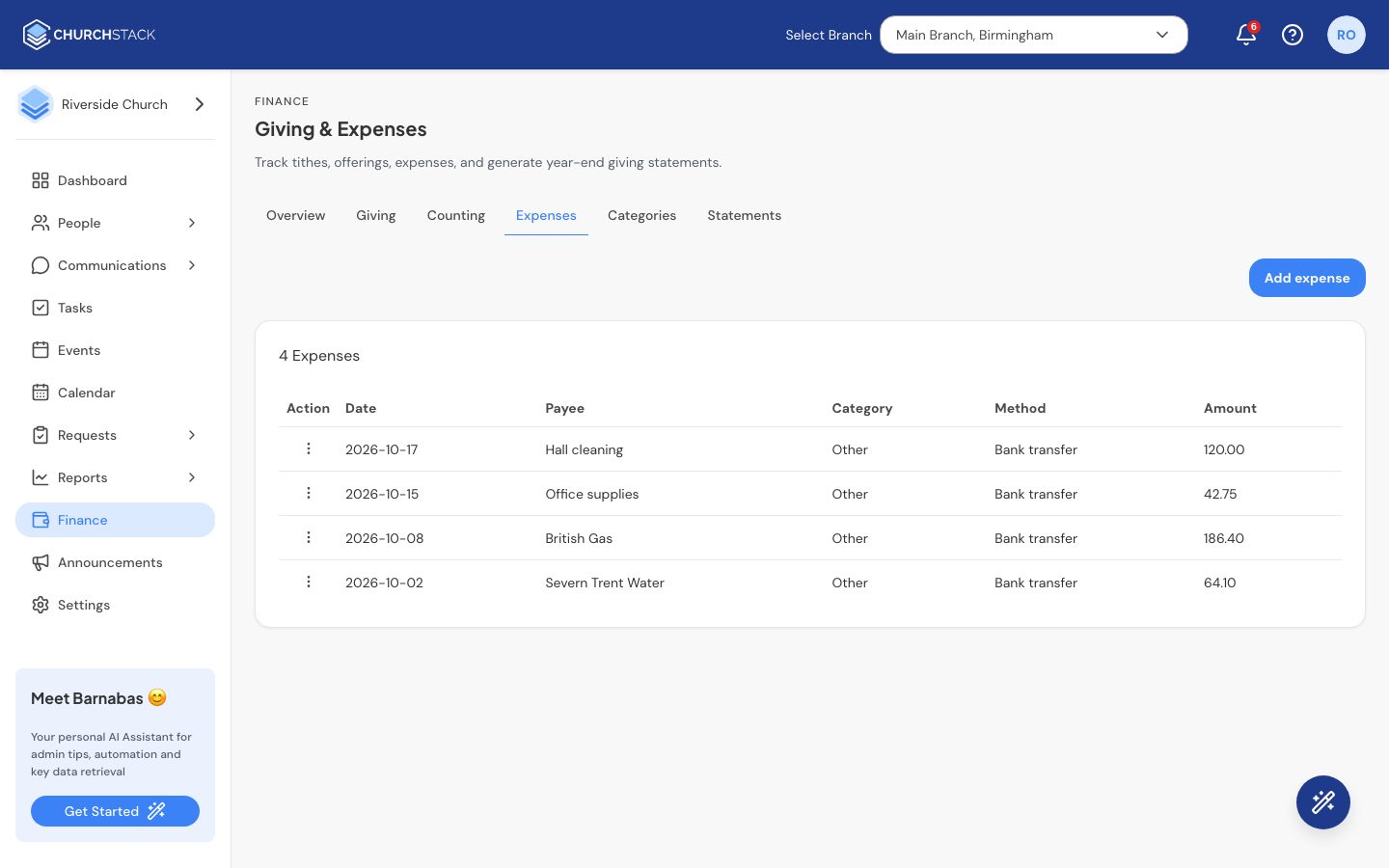
Use the row menu to Edit or Delete an expense. Deleting cannot be undone.
Set up your expense categories, such as Utilities, Missions or Hospitality, in Finance > Categories. See Funds and categories.
Still stuck?
Contact support Tell us what you were trying to do and we will help.