Announcements
Share news with your staff team and, when you choose, with the whole congregation in the member app.
Announcements are short news posts: a change of service time, a new course, a prayer request. Your staff team sees them in ChurchStack, and you can choose to show each one to the congregation in the member app.
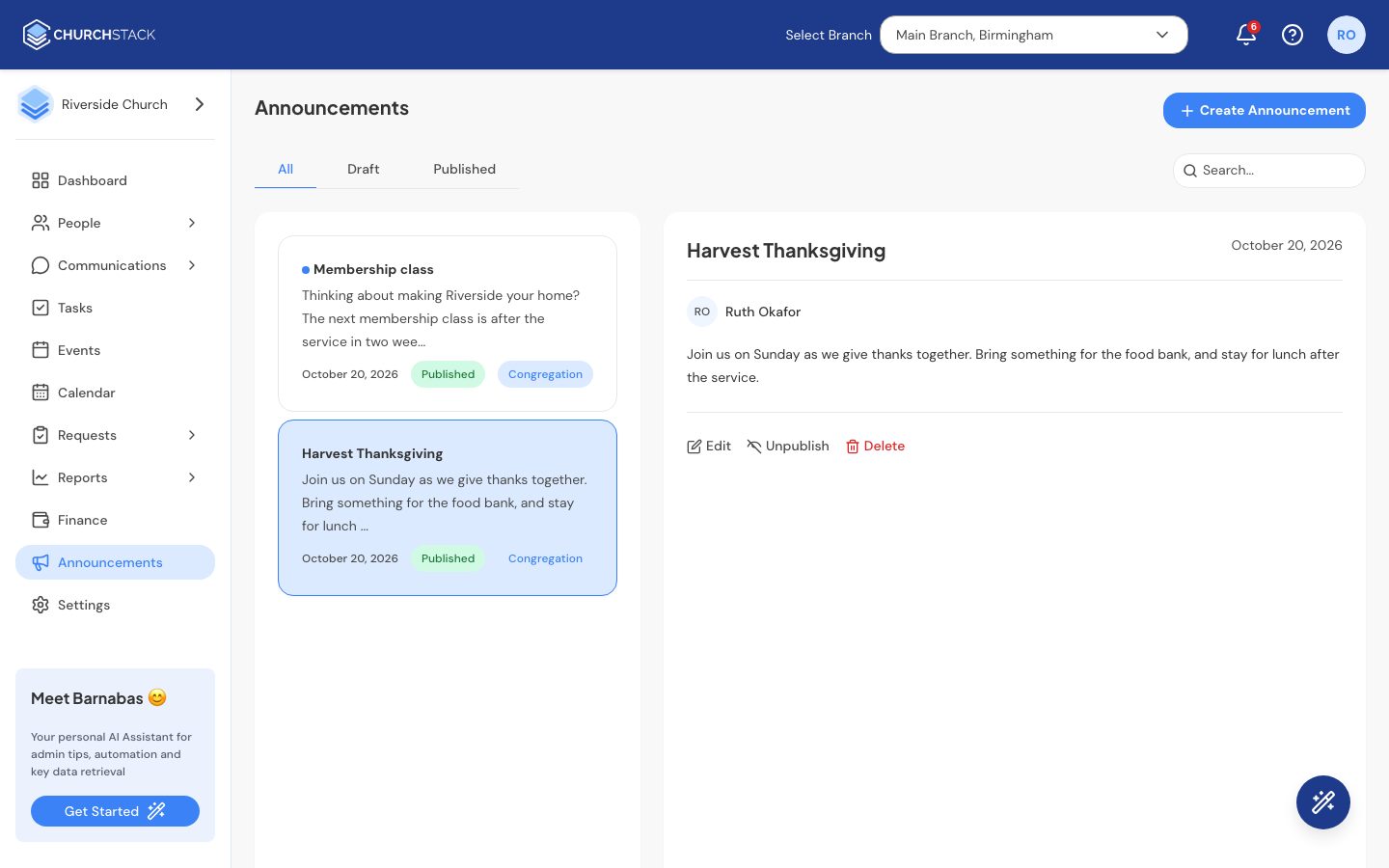
Create an announcement
- Go to Announcements and select Create Announcement.
- Enter a Title and the Body. The toolbar has headings, bold, italic, lists and links. Barnabas can help draft it on Pro.
- Turn the congregation switch On to show it in the member app, or leave it Off to keep it for staff only.
- Select Publish, or Save draft to finish later.
Drafts and publishing
An announcement marked for the congregation only appears in the app once it is published. The filter at the top switches between All, Draft and Published.
Select an announcement to read it. From there you can Edit, Publish or Unpublish it, or Delete it.
Members see published congregation announcements on the home screen of the member app and can swipe through them.
Still stuck?
Contact support Tell us what you were trying to do and we will help.